Salon CRM vs Excel — Why Spreadsheets Can't Scale Your Beauty Business
Thousands of Indian salon owners manage their businesses on Excel or Google Sheets. It is familiar, free, and seems good enough — until the salon gets busier. Then suddenly the spreadsheet is no longer a tool but a liability. This article breaks down the five fundamental problems with Excel-based salon management and shows you exactly why Indian salons are making the switch to CRM platforms like Swalook.
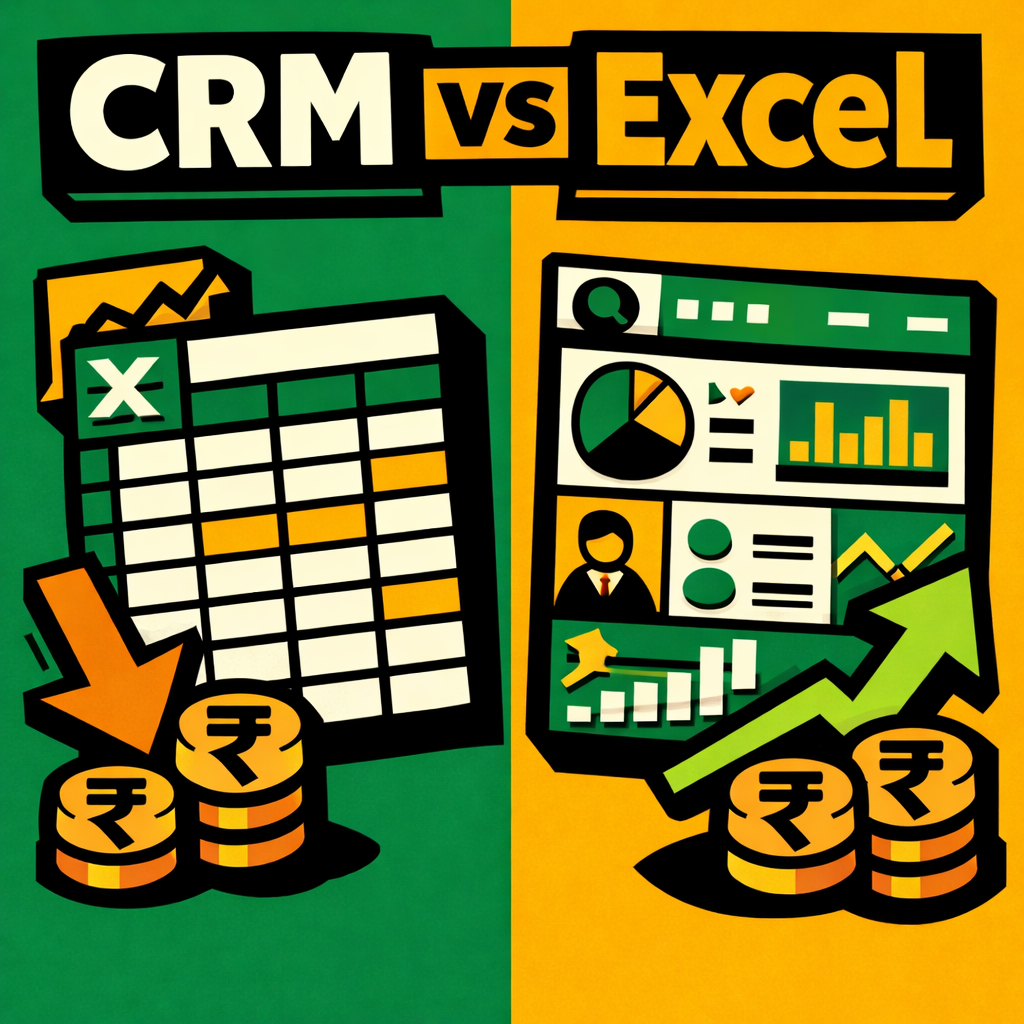
Excel costs the average Indian salon ₹31,500+ per month in lost revenue from no-shows, manual billing time, and missed re-engagement opportunities. Swalook CRM costs ₹1,499/month. The numbers are not close.
Problem 1: Excel Does Not Track What Is Happening Right Now
Excel is a historical document. You open a spreadsheet and see what happened yesterday, last week, or last month. But a salon CRM is a live system. It tells you who just checked in, which appointments are due in the next hour, which clients have not visited in 90 days, and whether any products are below their reorder threshold — all in real time, without anyone having to manually update a cell.
Consider a busy Mumbai salon with 30 daily appointments. The receptionist updates the Excel sheet at the end of each day because there is no time during peak hours. By Wednesday, the sheet shows Tuesday's data. Double-bookings happen. Walk-in clients are turned away because the sheet shows full slots that are actually empty. The salon loses ₹5,000-₹10,000 per day in missed revenue purely because the data is always one day behind.
Problem 2: Excel Cannot Send Messages
A salon CRM sends automated appointment reminders via SMS and WhatsApp — every client, every appointment, every day. Excel cannot do this. You would need to export data daily, upload it to an SMS gateway, craft each message manually, and track responses. In practice, this does not happen consistently, which is why salons using Excel have no-show rates of 15-25% compared to under 5% with automated reminders.
The No-Show Math: Revenue Impact of Missed Appointments
For a salon averaging ₹3,000 per appointment with 25 daily bookings, a 20% no-show rate means 5 empty slots daily — ₹15,000 in lost revenue every single day. Over a month that is ₹4.5 lakhs lost. A CRM that sends automated reminders drops no-shows to under 5% within the first month.
Problem 3: Excel Cannot Connect the Dots
A CRM automatically flags clients who have not visited in 60-90 days and lets you send targeted re-engagement messages. Excel stores data as rows but cannot trigger actions based on patterns. When a regular client stops booking, you will not know until months later — if you notice at all.
Problem 4: Excel Is Only on One Person's Device
A cloud-based CRM is accessible from any device, by any staff member, with role-based permissions. When the receptionist is on leave, another team member can step in and see the full schedule. With Excel, whoever has the file controls the information — creating a single point of failure that disrupts operations when that person is unavailable.
Problem 5: Excel Does Not Scale
A CRM handles 50 clients or 50,000 with the same speed and reliability. Excel slows down, crashes, and corrupts with larger datasets. Multi-branch management in Excel is a nightmare of merged files and conflicting versions.
The Numbers: What Excel Really Costs You
- No-shows (without automated reminders): ~₹12,800/month in lost service revenue
- Staff time on manual billing and reconciliation: ~₹2,700/month
- Lapsed clients not identified or re-engaged: ~₹16,000/month in lost repeat revenue
- Inefficient inventory tracking leading to over-ordering: ~₹3,000/month
- Time spent manually generating reports: ~₹2,000/month in staff hours
- Total estimated monthly cost of Excel-based management: ₹31,500+
- Cost of Swalook CRM: ₹1,499/month
- Annual savings by switching: approximately ₹3,60,000
How to Migrate from Excel to a CRM
- Export your Excel data — most CRMs like Swalook offer CSV import tools
- Clean your data — remove duplicates, standardize phone numbers, fill missing fields
- Configure your CRM — set up service menu, staff profiles, pricing, and GST settings
- Import and verify — check everything appears correctly, run a test appointment and invoice
- Train your team and go live — Swalook provides onboarding support for your entire team
The numbers are not close. Make the move today and start recovering the ₹31,500+ per month that Excel is costing your salon.
To illustrate the scaling problem more concretely, imagine a salon growing from one location to three branches over two years. With Excel, each branch maintains its own spreadsheet. Consolidating end-of-day reports requires emailing files back and forth, manually reconciling client records, merging appointment calendars, and praying that nobody overwrites someone else data. The process takes 2-3 hours per day and is error-prone. With Swalook multi-branch CRM, all three locations share one database with role-based access controls. A Mumbai-based owner can see real-time performance across all branches from their phone, run consolidated reports automatically, and manage inventory centrally with automated transfer requests between locations.
Client communication is another area where the gap between Excel and a purpose-built CRM becomes stark. Excel has no native ability to send messages, track engagement, or follow up automatically. You would need to export data, clean it, upload it to an SMS gateway, compose messages individually, and track responses manually a process most salons simply do not have time for. The result is that appointment reminders go unsent, birthday offers are forgotten, and clients drift away without any automated win-back attempt. A CRM handles all of this automatically, freeing your staff to focus on in-person service quality that builds lasting client relationships.
Data security presents yet another critical concern. Excel files stored on a single computer are vulnerable to hardware failure, accidental deletion, theft, or corruption. Even when backed up to cloud storage, Excel files lack access controls, audit trails, and version history that protect sensitive client information. A regulatory requirement like India Digital Personal Data Protection Act demands that businesses implement reasonable security safeguards for personal data. Cloud-based CRMs like Swalook provide enterprise-grade encryption, regular automated backups, detailed audit logs of every data access and modification, and role-based permissions that ensure staff only see the information they need to do their jobs.
The reporting and analytics gap is equally significant. Excel reports require manual data entry, formula maintenance, and formatting tasks that consume hours each week and are prone to human error. By the time a report is complete, the data is already outdated. A CRM generates real-time dashboards automatically, showing you revenue trends, staff performance, client retention rates, marketing ROI, and inventory status with zero manual effort. These dashboards update continuously and are accessible from any device, enabling data-driven decisions that improve profitability.
The decision to switch from Excel to a CRM is ultimately a decision about how you want to run your business. Excel treats your salon data as a static record of past transactions. A CRM treats it as a living asset that helps you understand your clients, optimize your operations, and grow your revenue every single day. The choice between them is not about features it is about whether you want to manage your business reactively or proactively, whether you want to guess at what is working or know for certain, and whether you want to cap your growth or create room for expansion.
An often-overlooked advantage of CRM software is the time it saves your clients. When clients can book online 24/7, receive automated reminders, and access their visit history and loyalty points through a client portal, they spend less time on the phone scheduling and more time enjoying your services. This convenience translates directly into higher satisfaction scores, more frequent visits, and stronger word-of-mouth referrals. In a competitive market like Mumbai or Delhi, where clients have dozens of salon choices within a few kilometres, convenience is often the deciding factor that keeps them coming back to your salon week after week.
The actual process of migrating from Excel to Swalook is surprisingly straightforward. Your existing spreadsheet data can be imported directly into the CRM using the built-in CSV import tool, which maps your columns to the appropriate fields in the system. Swalook onboarding specialists work with your team to clean and standardize your data during the import process, ensuring that phone numbers, service names, and client details are consistent and accurate. Most salons complete the full migration including staff training within one week, and the vast majority report feeling fully comfortable with the new system within 14 days. The transition period is brief, but the benefits last for years.
The cost of switching from Excel to a CRM is minimal compared to the cost of staying. Most salons recoup their CRM investment within 60-90 days through a combination of reduced no-shows, increased repeat visits, staff time savings, and more effective marketing. Swalook onboarding process includes data migration from your existing spreadsheets, staff training at your salon location, and dedicated support during the transition period. Within one week, your team can be fully operational on a system that eliminates the inefficiencies, risks, and lost revenue that Excel has been quietly costing your business every single day.
Swalook offers a 14-day free trial with full access to all features including automated reminders, client profiles, GST billing, and marketing automation. Start your trial today at swalook.in/free-trial.